
Short Description
Stop fighting with formatting. Turn HTML into flawless, professional PDFs instantly—perfect for invoices, reports, and receipts.
Full Description
Finally, an HTML to PDF converter that actually respects your design.
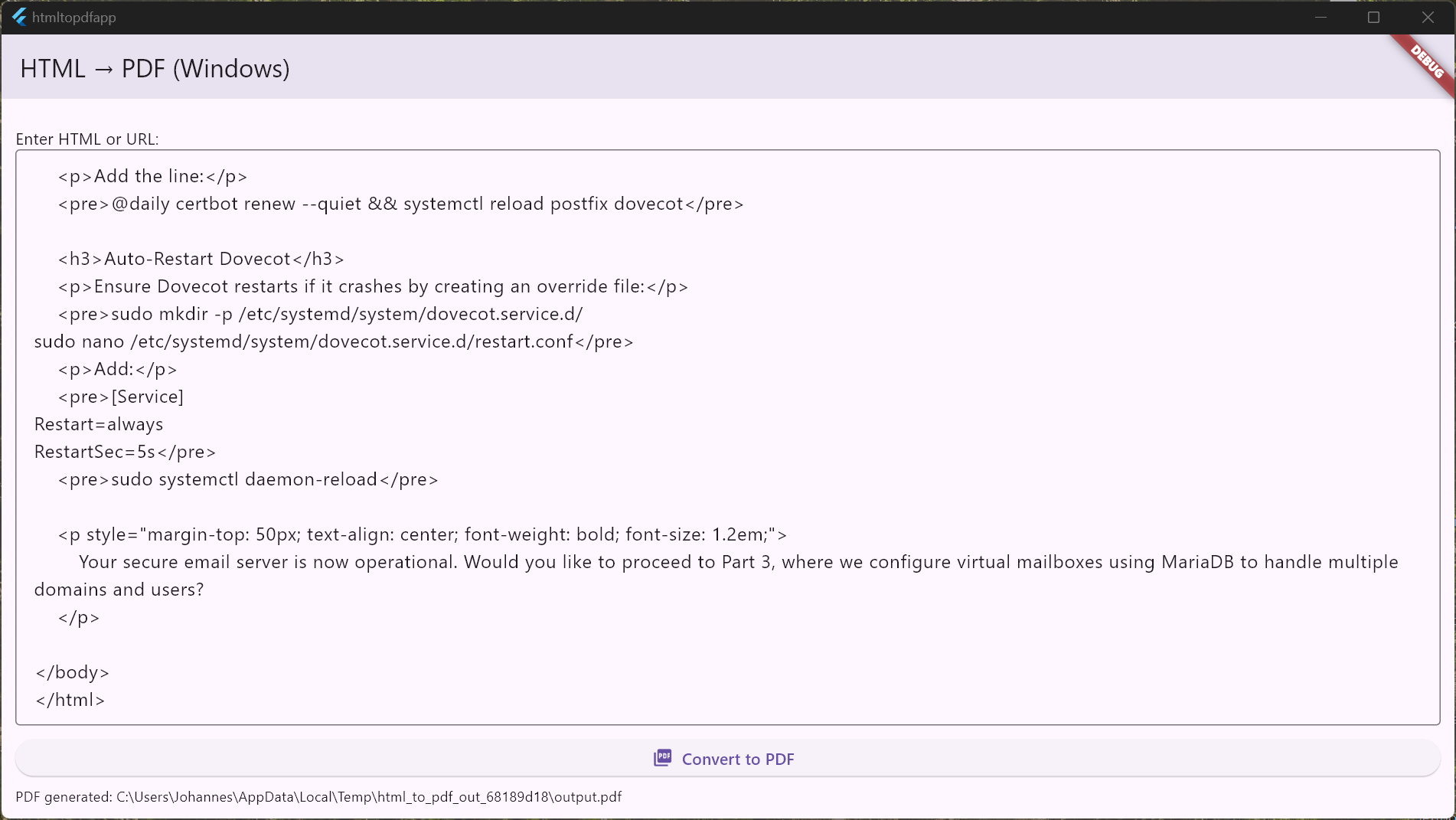
You’ve written the code, but getting it onto a page that looks professional often feels like a battle. HTML to PDF Master ends the struggle. We built this tool for developers and professionals who need to bridge the gap between web markup and physical documents without losing a single pixel of detail.
Whether you need to generate a crisp invoice for a client, archive a web report, or simply test a print stylesheet, this app delivers the reliability you’ve been missing.
Why Professionals Choose HTML to PDF Master:
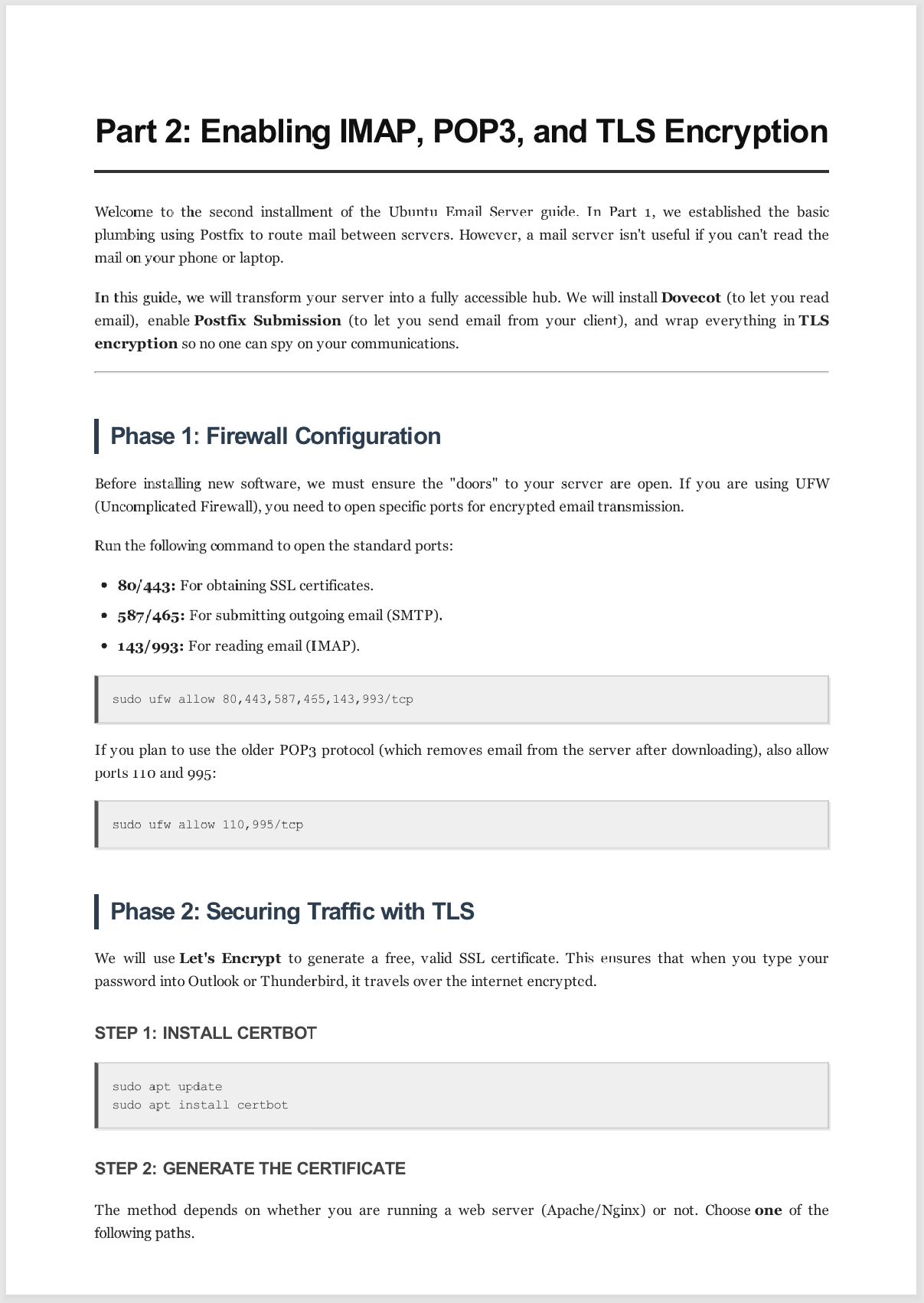
- What You Code Is What You Get: Forget about broken layouts or missing fonts. Our industry-grade native rendering engine ensures your CSS, layout, and typography look exactly on paper as they do in your mind.
- Your Data Stays Yours: We believe in total privacy. The entire conversion process happens offline on your device. No server uploads, no cloud leaks, no security risks.
The Ultimate Tool For:
- Generating documents via LLM (Gemini, ChatGPT, Grok, Claude, etc.) via HTML and converting them into PDF
- Freelancers & Agencies: Generate branded invoices and contracts directly from your own HTML templates.
- Developers: Rapidly prototype and debug print-media CSS without the headache.
- Students & Researchers: Save web content and assignments in a clean, portable format that is ready to submit.
Technical Superiority:
- Blazing fast Flutter performance.
- Optimized C++ integration for desktop stability.
- Full support for modern CSS3 print standards.
Stop settling for “good enough” documents.
Download HTML to PDF Master now and experience the difference of pixel-perfect conversion!


Reviews
There are no reviews yet.